Notion Custom Agents vs Zapier Agents: Which AI Agent Platform Should You Use?
Notion Custom Agents and Zapier Agents take fundamentally different approaches to AI automation. Here's where each one wins — and where it falls short.
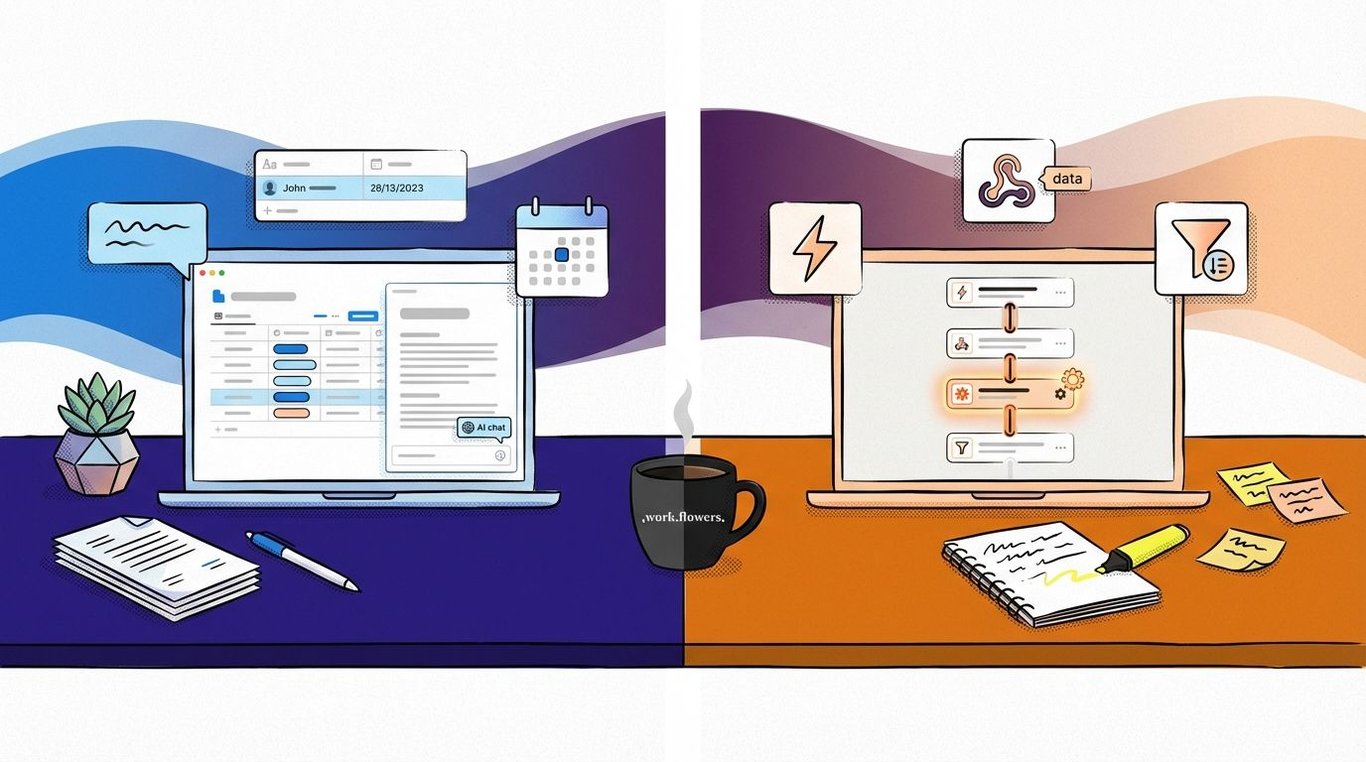
Both Notion and Zapier now have AI agent platforms. Both let you build autonomous assistants that can read your data, take actions, and respond to triggers. As someone deeply immersed in both ecosystems, my first reaction was — I'll admit — a bit of "Oh no, Mom and Dad are fighting!"
But after building with both since launch, the boring/diplomatic answer turns out to be the actual one: neither platform is strictly better. Each has genuine strengths, genuine weaknesses, and the choice depends on your specific use case. In some cases, combining the two unlocks more than either can do alone.
Here's where each one actually wins — and where it falls short.
1. Workspace Context: Notion's Unfair Advantage
This is the single biggest differentiator for teams already running their operations in Notion.
Notion Custom Agents have full, deep access to your Notion workspace. They can query across hundreds of pages, read page content, reason over properties, and pull context from multiple databases in a single interaction.
Zapier Agents can be connected to a Notion database as a knowledge source, but the access is limited. It can only pull page content from the first 100 records. Beyond that, it's limited to database properties only, not the actual page content.
That distinction matters more a lot.
A concrete example: querying a 300-page content calendar database for "similar themes topics I've posted about before." Trivial for a Custom Agent. Impossible for a Zapier Agent connected to the same database, because it can only see the properties, while the important context is in the page content.
If your workflow depends on deep context from large Notion databases, then it’s probably a better fit for Custom Agents.
2. Model Selection: Pick the Right Brain for the Job
Notion lets you choose the model per agent. Zapier does not — and doesn't expose which model is being used.
Different models have different strengths. I prefer Claude Sonnet 4.5 for writing, and Opus 4.6 or Gemini 3.0 for complex reasoning or code generation. Being locked to a single, undisclosed model means you're optimising for the average case, not the specific task.
The model-picked in Notion Custom Agents
Whether your agent is drafting status updates, summarising meeting notes, or writing follow-up emails, the choice of model directly affects output quality. Having no control over that choice — and no visibility into what you're getting — is a real limitation.
3. Third-Party Integrations: Breadth vs Depth
Notion's MCP connector library at launch is genuinely impressive. Linear, Slack, HubSpot, Attio, GitHub, Stripe, Notion Mail, Notion Calendar — these cover a lot of ground for modern teams.
Custom Agents’ list of supported connectors at launch—plus custom MCP servers—is undoubtedly impressive, but still a far cry from Zapier’s 8,000+ official integrations
But Zapier has 8,000+ integrations.
If your stack is covered by Notion's native connectors or has a remote MCP server, you're set. If it isn't, you're stuck.
Zapier's long tail of integrations matters for niche tools, industry-specific apps, and custom internal systems. The kind of apps that won't get an MCP connector any time soon — or ever.
Notion's library will grow. But it will never match Zapier's breadth. That's a design choice, not a limitation. Notion is betting on depth with fewer, well-integrated connectors. Zapier is betting on breadth with thousands of options at varying levels of quality.
Both are valid strategies. The question is which one matches your stack.
It's also worth noting that the integration models are fundamentally different. Notion requires a third-party app to have an MCP connector — either a native one from Notion's library or a remote MCP server you configure yourself. Zapier doesn't need any of that. It just needs a native Zapier integration, and with 8,000+ of those, the coverage is enormous.
But Zapier's advantage goes further than breadth alone. Even if a native Zapier integration doesn't support a specific action you need, the ecosystem gives you ways to fill the gap. You can use the Custom Actions builder to expose any endpoint from an app's API without writing code, or you can make a direct API call via webhook. Webhooks also let you connect to tools that don't have a native Zapier integration at all — if it has an API, you can reach it. That means the ceiling on what a Zapier Agent can do is effectively any app's full API surface — not just what someone decided to build into an integration.
Notion doesn't have an equivalent escape hatch. If your MCP connector doesn't support the action you need, you're waiting for someone to add it.
4. Workflow Composability: The Deterministic + Agentic Mix
This is where Zapier has a clear architectural advantage.
In real life, there are very few workflows where I really want an AI agent YOLO-ing its way through an entire process. Most steps — filters, path branches, data transformations — should be hard-coded. They're faster, cheaper, and predictable. The agentic part should only kick in where you actually need judgement.
Zapier Agents can be invoked as a step within a Zap, which means you can mix deterministic and agentic steps in a single workflow.
Here's an example: a Zap triggers when a new file lands in our Invoices folder in Google Drive. It filters for PDFs only. Then it hands off to an Agent to fuzzy-match the invoice against existing transactions in Xero. If it finds a match, it attaches the invoice. If not, it creates a new bill.
The fuzzy search is why you'd want an Agent here instead of a standard Zap action. A regular search is binary: exact match or nothing. An Agent can try variations: invoice number first, then amount and date, then supplier name with or without "Pte. Ltd." tacked on. If the first attempt fails, it reasons about why and adjusts. That iterative problem-solving is exactly what Agents are good at — and exactly what you don't want handling every step of a workflow.
As companies look to incorporate AI into mission-critical, production-grade workflows, this composability pattern matters. Most real-world automation shouldn’t be purely agentic or purely deterministic — the sweet spot lies somewhere in between.
Notion Custom Agents, by contrast, operate as standalone entities. They can be triggered by events, but they can't be embedded as a step in a larger automation chain. You can't say "run this Custom Agent, take its output, and pass it to the next step." Not yet, anyway.
Zapier's blog post on deterministic AI makes a strong case for why the future isn't "all agents" — it's agents working alongside reliable, predictable automation. Worth reading regardless of which platform you choose.
5. Triggers: Zapier's Open Field vs Notion's Walled Garden
Zapier Agents can be triggered by anything that works as a Zap trigger or webhook, or from within a Zap as shown above. That's thousands of options across every category of software.
The trigger options for Zapier Agents are virtually endless
Notion Custom Agents are limited to chats with Notion AI, schedules, Notion events (like page property changes), and a handful of Slack, email, and calendar triggers.
The difference is significant at launch. If you want an agent that fires when a Stripe payment fails, a Zendesk ticket is escalated, or a GitHub issue is labelled — Zapier can do that today. Notion can't.
Notion's trigger set makes sense for workspace-centric use cases. If your agent needs to respond when a task status changes, a new page is created, or someone mentions it in a page — that's well covered. But for cross-platform automation, it's a real constraint.
Expect this gap to narrow over time. But if you need broad trigger coverage right now, Zapier is the clear winner here.
That said, I've started experimenting with ways to bridge the two. The pattern is simple: a Zap handles the cross-platform trigger and any deterministic steps, then creates a Notion database record as its final action. A Custom Agent is set to trigger when that record is created, picks up where the Zap left off, and does the work that benefits from Notion's deep workspace context. This works really well so far, and hints at a future where you're not choosing one or the other, but chaining them together.
6. Error Handling: The Silent Failure Problem
This one doesn't come up in feature comparisons, but it matters a lot in production.
When a Zapier Agent gets stuck mid-run, there's no native way for it to alert you. You can work around this by giving your Agent a Slack tool to send a DM or channel message when something goes wrong. But there are two problems with that: first, you have to remember to configure it for every agent you build. Second — and this is the bigger issue — if the agent is stuck in a state where it can't use the Slack tool, you'll never know it failed.
Notion Custom Agents handle this differently. Errors surface through Notion's built-in notification system. No extra configuration required. It just works.
This matters more than it sounds. Zapier is a tool most people open when they're building or debugging automations. You're not living in it throughout the day. Notion is where you're actually doing work — reading notes, updating tasks, checking databases. Getting failure alerts where you already are is a meaningful UX advantage.
For production workflows, silent failures are the most dangerous kind. A missed notification means a missed follow-up, a dropped lead, or a broken process nobody catches for days.
When one of your Custom Agents has a problem, it calls for help right in your Notion inbox
So Which One Should You Use?
It depends on what you're building. Here's how I'd frame the decision:
Choose Notion Custom Agents if your workflows primarily involve content and context already in Notion, you want control over which AI model your agent uses, and your third-party tool needs are covered by the current MCP library. If you're a team that lives in Notion, Custom Agents feel native — because they are.
Choose Zapier Agents if you need broad integration coverage across thousands of apps, granular control over which actions an agent can perform, webhook-based triggers from external systems, or the ability to mix agentic and deterministic steps in a single workflow. If your automation needs span a wide, diverse tool stack, Zapier's architecture is built for exactly that.
Use both if you're running operations in Notion but need to orchestrate across a wider tool stack. They're not mutually exclusive. I've been running both in my own workflows — some Zapier automations have migrated to Custom Agents, others haven't, and some Custom Agents are triggered at the end of a mostly deterministic Zap. The right answer is usually "the one that fits the specific use case," not a blanket platform commitment.
The AI agent space is moving fast, and both platforms are shipping features at an impressive pace. The comparison above reflects where things stand today — some of these gaps will narrow, others may widen as each platform doubles down on its strengths.
If you're evaluating which agent platform fits your stack, or you're trying to figure out whether to migrate existing automations, we'd be happy to walk through it with you!
Lessons from building multi-turn AI agents across Zapier Agents, Notion Custom Agents, and Relevance AI — covering context window management, system prompt bloat, sub-agent trade-offs, and context rot.
How I built a content system using Notion, Zapier, Readwise, and AI agents that produces original writing at scale — without sounding like everyone else.