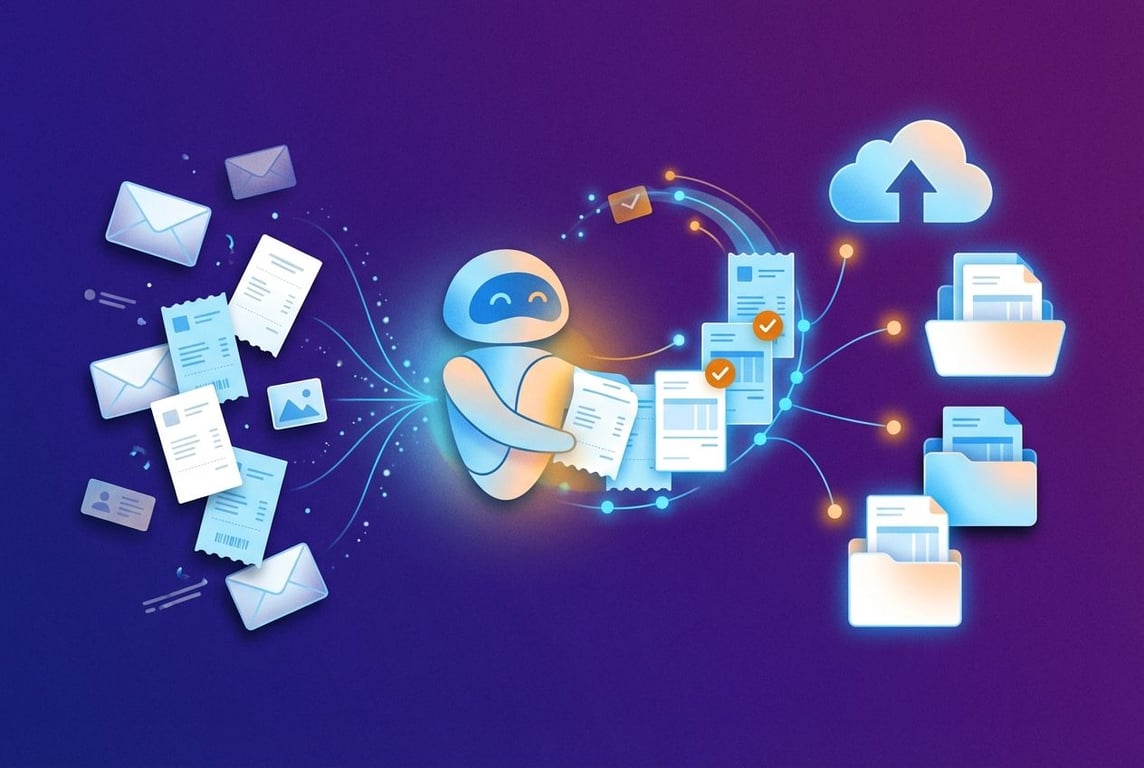
Next Gen Zap Workflows: Building Automation in Code
Zapier’s Next Gen Zap Workflows move automation from drag-and-drop builders into TypeScript. Here’s what code-first workflows unlock, and what the learning curve looks like.
I gave Next Gen Zap Workflows a section in a post back in June. At the time, I'd been testing the private beta for a few weeks and had migrated one workflow. I now have over 50 running in production, and I got the green light from the Zapier team to post about the new feature in more detail.
To recap the framing from that earlier post: No-code builders like the classic Zapier editor were a way to abstract away the syntax of programming. However, you still had to think like a programmer: conditionals, branching, loops, error handling, how data passes from one step to the next. The drag-and-drop canvas let you translate that thinking into working outcomes without writing code yourself.
Coding agents can do that abstraction now. And rather than bolting an AI co-pilot onto a platform designed for visual building, Zapier has rebuilt the entire thing from the ground up for a world where the building happens in code.
What a Next Gen Zap Workflow actually is
A Next Gen Zap Workflow is a TypeScript file. Connections, triggers, dependencies, step logic, error handling; it's all declared in code, published as versions (think git commits), and hosted and executed on Zapier's servers.
💡
TypeScript is a programming language built on JavaScript. It adds type checking, which helps catch mistakes before code runs and makes larger workflows easier to understand and maintain. Notion Workers use it too!
The Zapier SDK gives your coding agent access to the same 9,000+ apps and 30,000+ actions as the visual builder. You can build and edit using an external coding agent like Claude Code, Cursor, or Codex, or through the built-in AI agent in the Zapier editor. There's still a visual workflow diagram, reminiscent of the classic Zap editor, but it's a read-only rendering meant for human brains. All the actual logic runs as code.
A Next Gen Zap: visual diagram on the left, but all the magic happens in code on the right
Above is an example of a Zap I just migrated to the Next Gen platform: it uses AI to classify PDFs I receive as attachments in Gmail and files them into dedicated folders for signed legal agreements, invoices to be paid, receipts, bank account statements, etc. Claude Code was able to migrate this over in minutes, and made a bunch of improvements along the way (more on that in a moment).
What this makes possible
The capabilities follow from the format. When your Zap is code, everything that code enables becomes available to your coding agent.
Speed
As much as this pains me to admit, a coding agent writes code much faster than I can drag boxes around and click through drop-downs in a visual builder. In the time it takes me to configure a single step in the visual editor (select the app, select the action, authenticate, map fields, test), Claude Code has written the equivalent code for three steps, run it, and shown me the output.
Thoroughness on revision
When you change something in an early step of a classic Zap, it’s easy to forget to also edit all the downstream steps that depend on it. Change a field name in step 2 and step 14 silently breaks because it was still mapping the old name. A coding agent reads the entire file, sees every dependency, and updates all of them in one pass. It rarely misses a downstream reference, because the whole workflow is right there in front of it.
Troubleshooting
When a Zap goes wrong in the visual editor, you click into the run history, open each step one at a time, and eyeball the input and output. With Next Gen Zaps, every run produces an operations journal: every step that executed, what went in, what came out, how many retries it took. A coding agent can read that journal and diagnose the problem in seconds. "Step 4 failed because the Email field was empty; the upstream step's filter didn't account for messages with no From header." That's a diagnosis that would have taken a big chunk of time clicking through steps in the UI before. Manually. Like an animal.
Testing
While building a Zap, a coding agent can generate and run end-to-end tests faster than I can click through the editor one step at a time. Because it has access to your connected apps through the SDK, it can create test records (a dummy contact, a test email, a sample invoice), run them through the Zap, verify the output, and then delete the test data afterwards. I would never bother doing this manually for most Zaps; it's too tedious. With an agent, it takes a minute and costs cents.
The process of migrating the email attachment classifier shown above was case in point: while moving it over, Claude Code was able to quickly write and run tests with multiple versions of the AI prompt that I was using to analyse the attachments, and even run it across different models so it could find the one that got the job done at the lowest cost. That’s the kind of thoroughness that I, a human, would never have had the time or patience for on my own.
Documentation
Point a coding agent at the published source of a Zap and it can instantly understand how the workflow works and generate documentation, diagrams, or interactive HTML artifacts. The source code is the documentation; an agent just translates it into whatever format is most useful for the audience. Here’s an interactive diagram of the Gmail attachment filing Zap shown above, generated in minutes with Notion AI:
How Gmail attachments find the right home
Gmail attachment filing
From inbox to the right folder, automatically.
Each email is checked once, understood as a whole, then every PDF is filed where it belongs. Paid bills stay out of the invoices queue.
Select a step to see what happens.
1. Email arrives
One email means one complete picture.
Gmail looks for incoming messages with PDF attachments.
All PDFs on the same email stay together for the next steps.
Possible destinations
Invoices to pay
Paid receipts
Signed agreements
Financial reports
No action needed
Optimisation
Zapier bills on a per-task basis. Every step in a Zap that fires costs money. A coding agent can read your Zap's source, identify where steps can be consolidated or logic can be simplified. That's a refactor, and refactoring is something coding agents are very good at.
The catch
Building Next Gen Zap Workflows means being comfortable working with an AI coding agent, whether that's Claude Code, Cursor, or Zapier's built-in one. You're reviewing diffs instead of dragging boxes. You're describing what you want in natural language and checking the output, not clicking through fields one at a time. That's a different way of working, and it's not for everyone just yet.
And to get the most out of it, you'll want to be working with GitHub. Version control, diffs, pull requests, automated documentation flows; the things that make code-first building powerful are all built around git. Learning that is a project in itself, and if you've never worked with a code repository before, there's a learning curve before the speed gains kick in.
What this means if you don't build it yourself
As I wrote last month, the platforms are getting easier to use, but the architecture decisions (what to automate, what to keep deterministic, where to put the human checkpoints, how to keep a workflow maintainable) still benefit from someone who has done this before. Steering your agents still requires expertise.
On our side, the path from idea to a working, reviewed deployment has shortened sharply. The coding agent writes, tests, and documents; what's left is the judgement: does this do what we intended, is it safe, is it cost-efficient. That's what flows through to the teams we work with.
If you want to take advantage of the new capabilities that coding agents are unlocking, but with advice and guidance from someone with this type of experience, get in touch and we can map out what makes sense for your operation.
Lessons from building multi-turn AI agents across Zapier Agents, Notion Custom Agents, and Relevance AI — covering context window management, system prompt bloat, sub-agent trade-offs, and context rot.
When Meta's AI safety director lost 200 emails to a runaway agent, it wasn't a hack — it was context window compaction silently dropping her safety instruction. Here's why the future of automation is selectively agentic, and how to combine AI judgement with deterministic guardrails that actually hold.